Running a Node
Dolphin Network node quick-start — spin up an inference worker and start earning POD.
- 1
Visit the Dolphin Network app
Open the Dolphin Network app at https://v2.dphn.ai.
- 2
Authenticate with your wallet
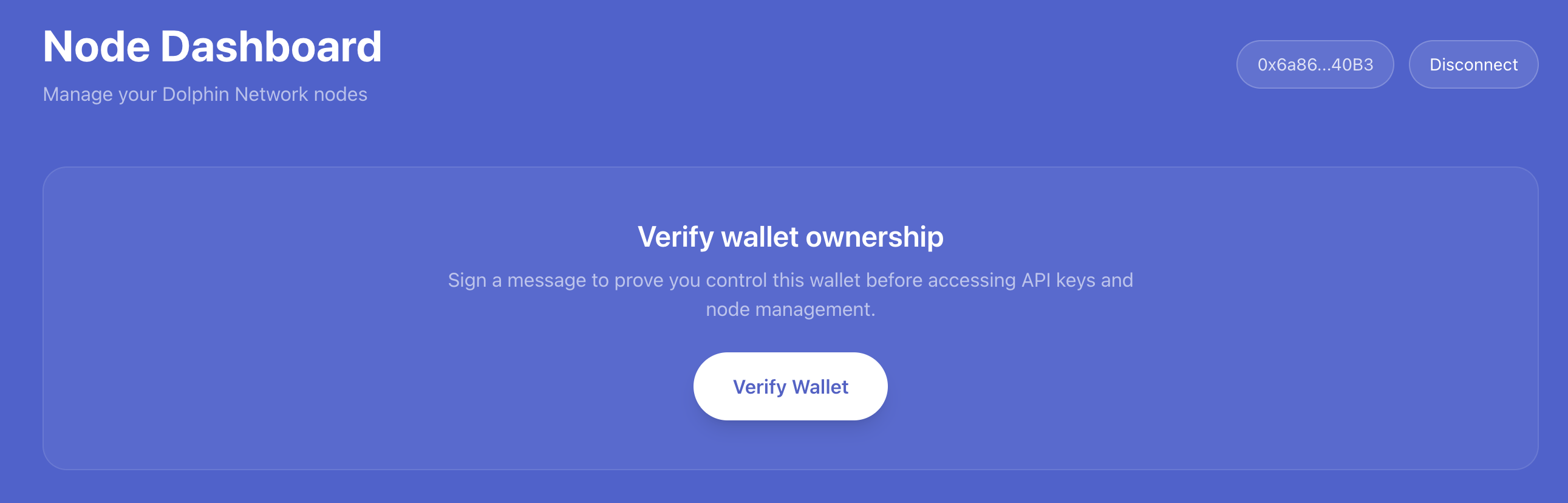
- 3
Create a key in the "API Keys" section
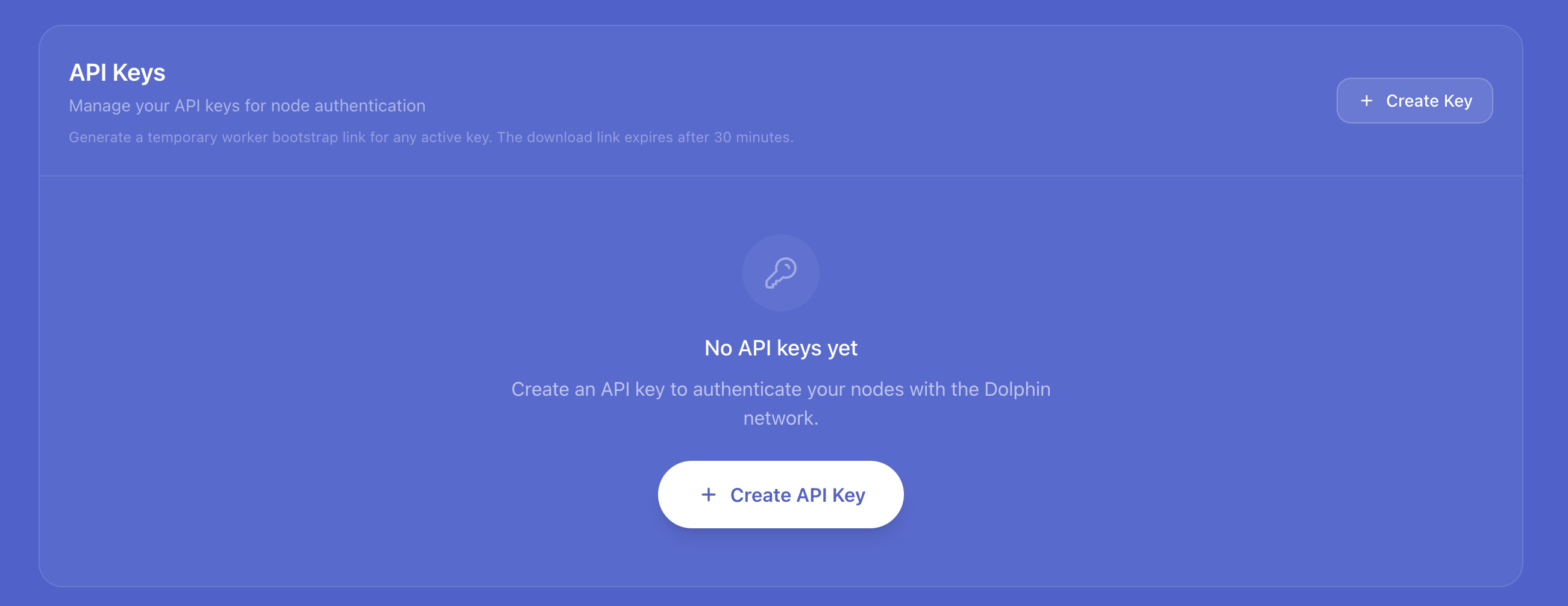
- 4
Press "worker link"

- 5
Copy the script to run the worker
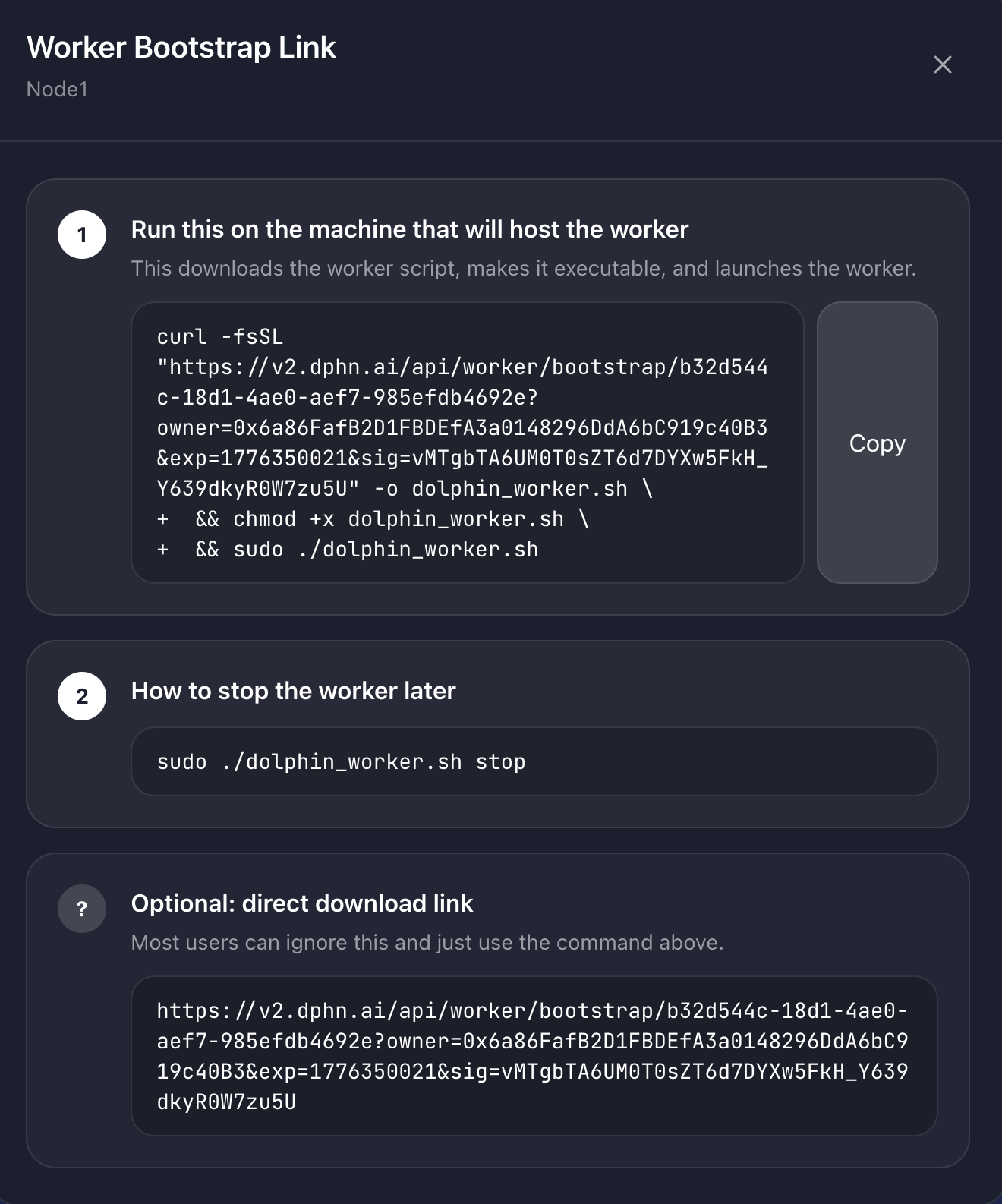
- 6
Run this command on your GPU server
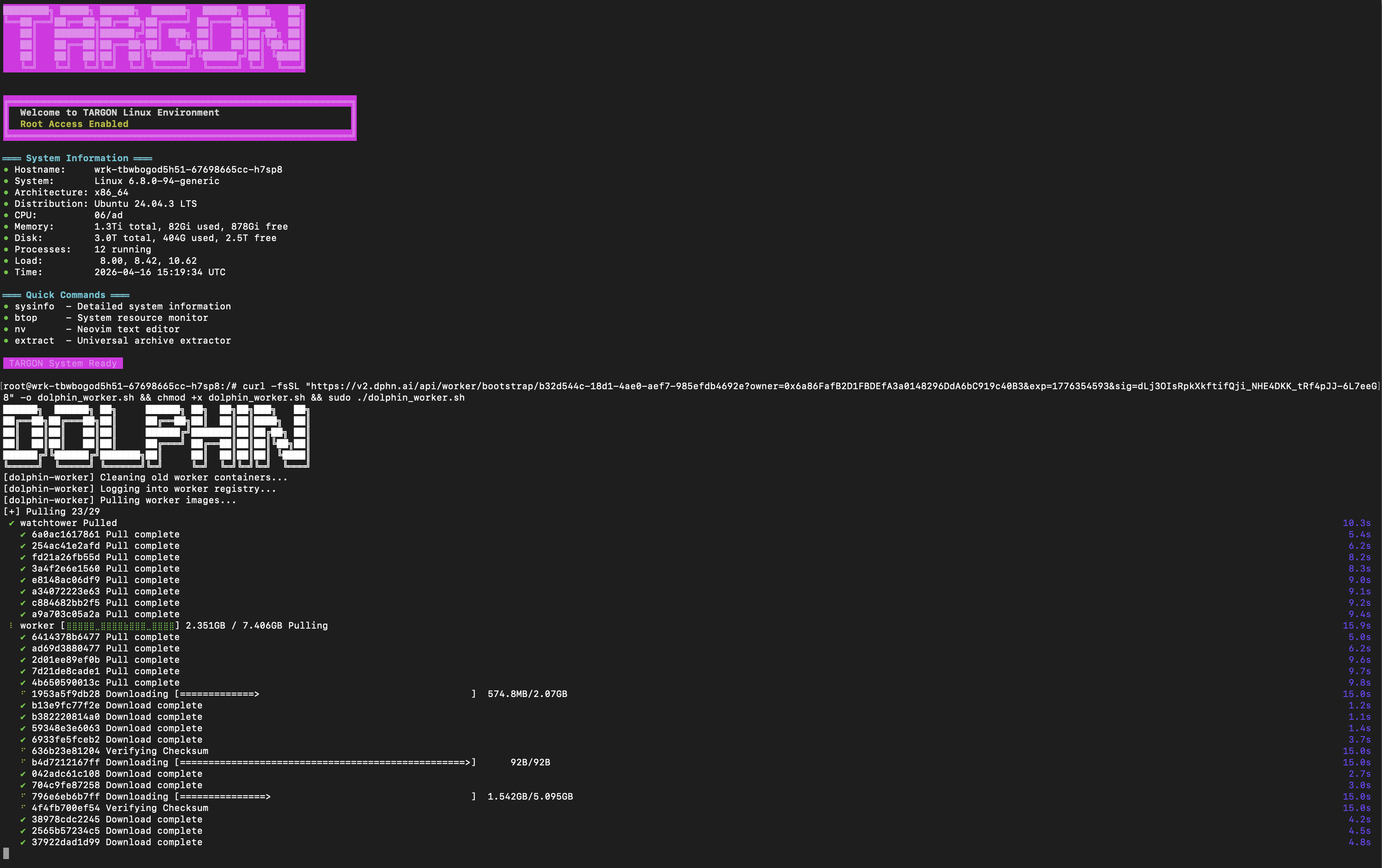 60 GB vRAM required to run in FP8 with full context.
Suitable GPUs:
- 1x RTX 6000 PRO
- 1x H100 / A100 80 GB
- 4x 3090 / 4090
- 2x 5090
- 2x A6000
- 1x H100 / B200 / B300
We recommend Targon for GPU rentals.
If using Targon, forward port 9344 in the config before starting the instance.
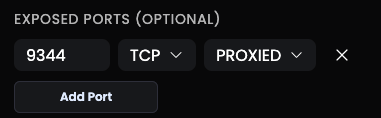
This is used to remotely view your worker through the WebUI.
- 7
View your worker status remotely
Once the worker has loaded you will see this screen.
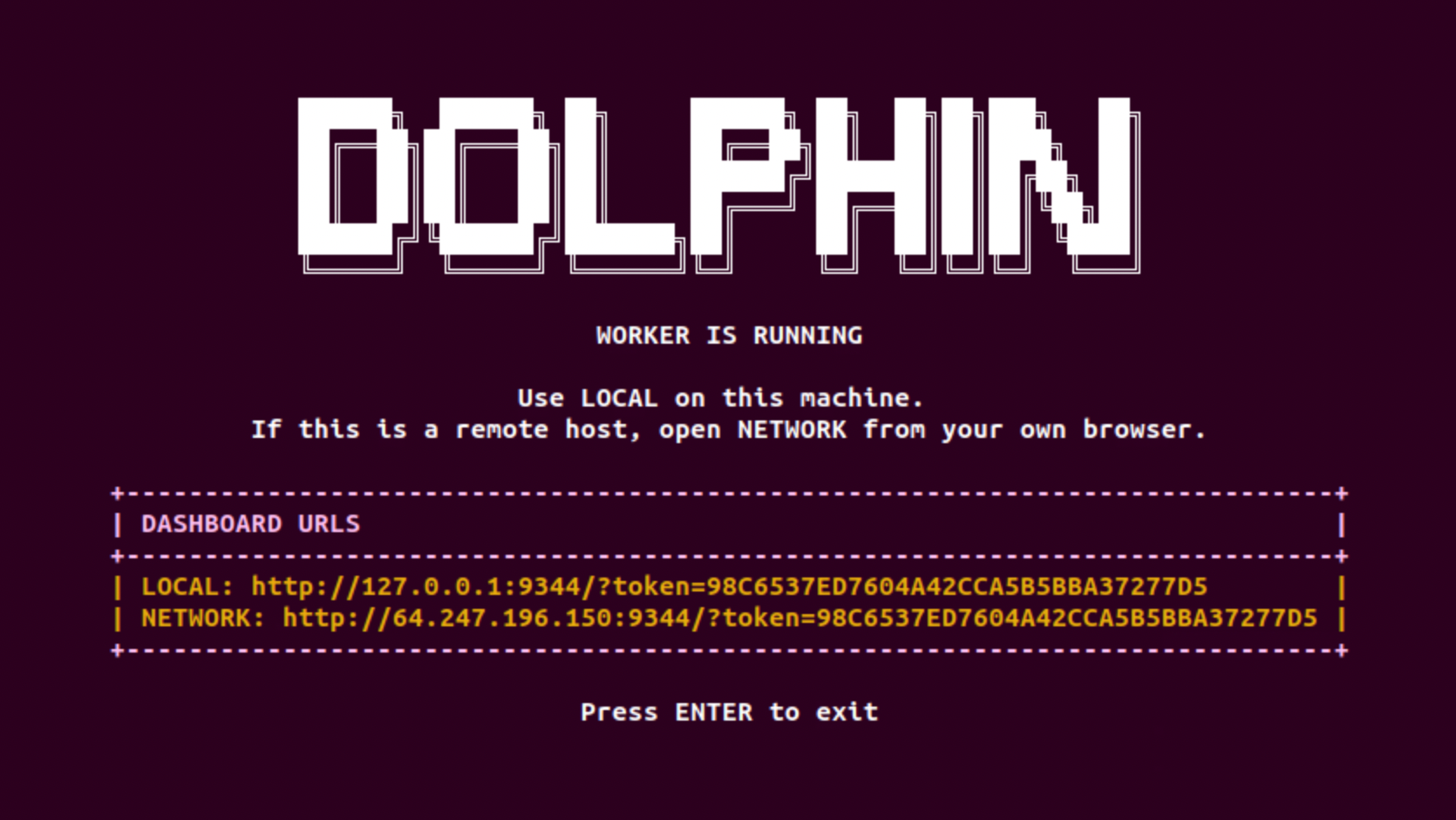
You may use this IP to view the worker's status remotely from any browser.
For Targon users
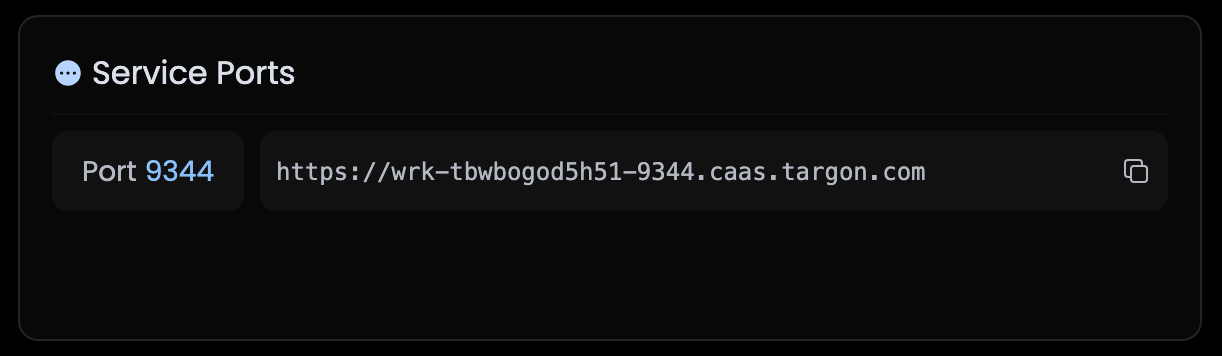
Take the IP from the service ports section on Targon's website and add
/?token=followed by your token to the end of the URL.For example:
https://wrk-tbwbogod5h51-9344.caas.targon.com/?token=98C6537ED7604A42CCA5B5BBA37277D5